


 Casinos
 Bonuses


Pearl O Plinko Fire and Bones


Pearl O Plinko Fire and Bones Details


Times Played
 No
No
3D animation
No
Technology
HTML5
Play Pearl O Plinko Fire and Bones Slot for Real Money




Load More Casinos (+10)
How to Play Pearl O Plinko Fire and Bones Slot: Mastering the Basics
1
SET YOUR BET.
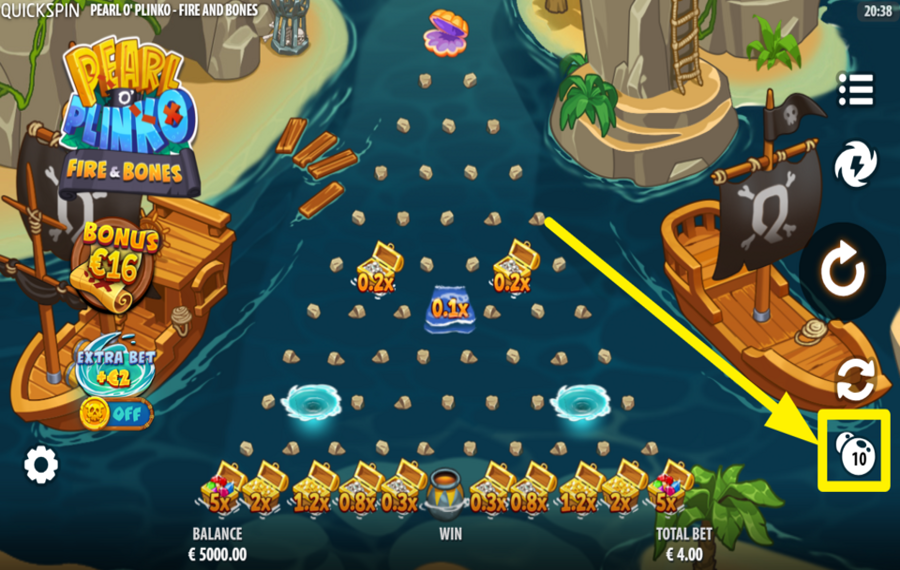
To configure your wager, click the casino chips icon located at the bottom right of the screen. This opens a settings window where you can adjust both the number of “Balls” and the “Bet Per Ball” using the “+” and “-” buttons on either side of each value. Increasing the number of balls means more drops per round, while changing the “bet” per ball directly affects the value of each drop. Your total stake is calculated automatically.
2
DROP THE BALL!
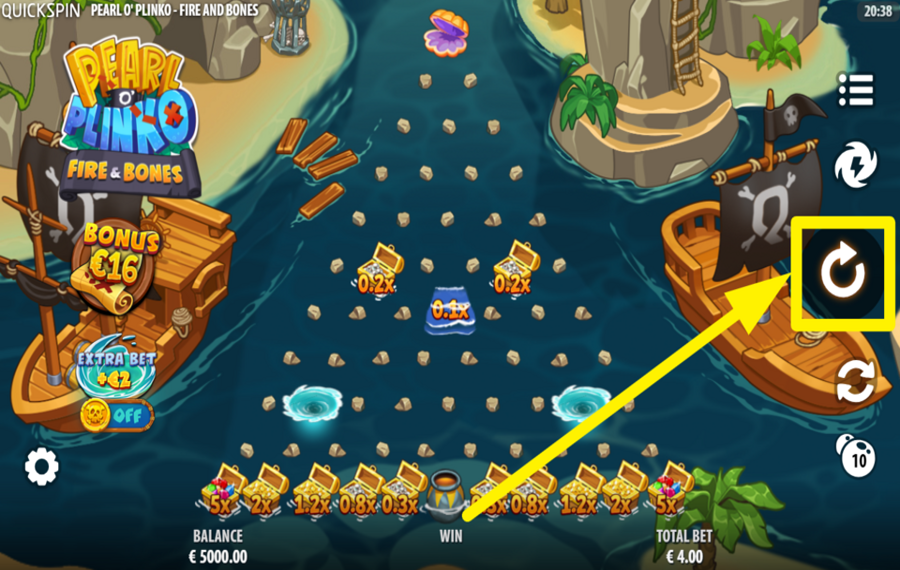
Press the large circular “Play” button positioned on the right side of the screen to release all selected balls into the playfield. Each ball falls through a grid of pegs, bouncing unpredictably before landing in an “Award Pocket” at the bottom. The multiplier shown in the pocket determines your return for that ball, and the combined result of all balls is displayed in the “Win” field.
3
ENABLE AUTOMATIC ROUNDS.
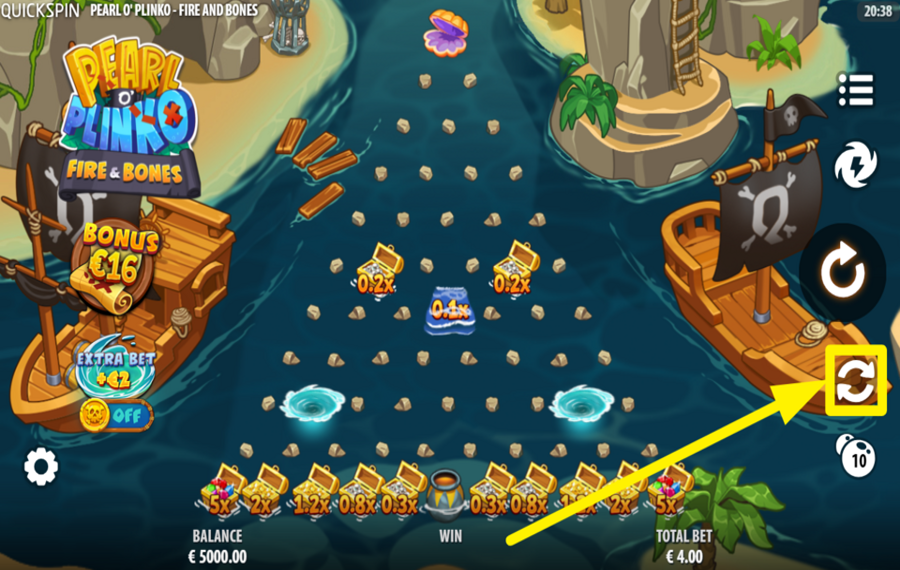
Below the "Spin" button, you’ll find the "Autoplay" option, symbolized by two circular arrows. Click it to access the "Autoplay" menu, where you can choose the number of automatic spins. Additionally, the menu includes an orange "Advanced" button for further customization. Click it and set win and loss limits if you want.
4
ACTIVATE TURBO MODE.
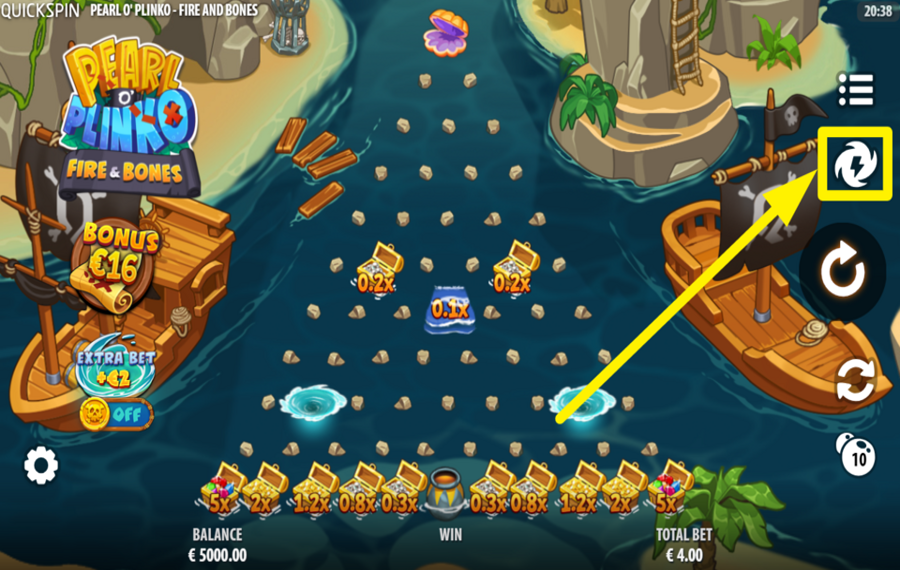
Tap the lightning icon located above the “Play” button on the right side to enable “Turbo” mode. This accelerates the game animations, effectively speeding up the ball drop and result calculation.
5
PURCHASE A BONUS FEATURE.
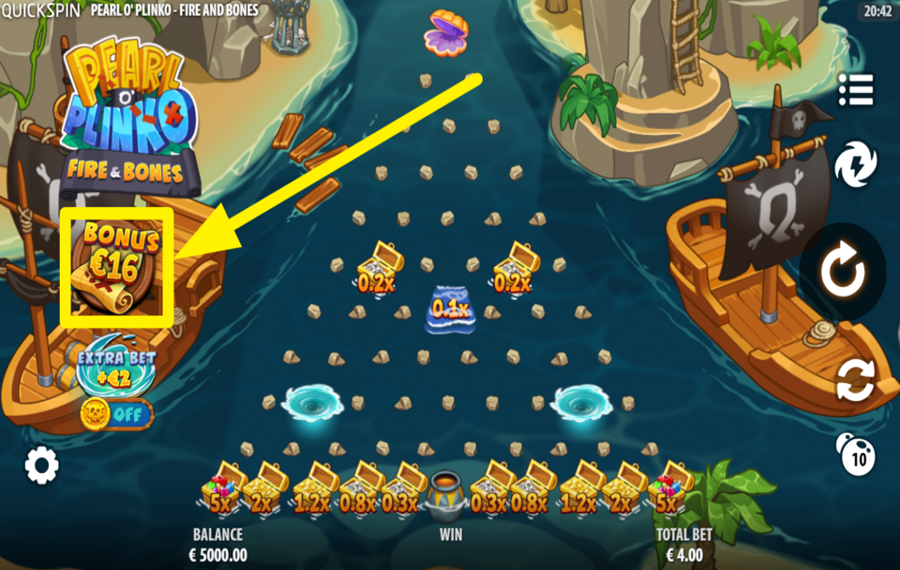
Click the “Bonus” panel on the left side of the screen to access the “Buy Feature” options. You can choose between two bonus paths: one sends all balls directly into the “Ship Graveyard” bonus game, while the other launches them into the “Fire Island” bonus game.
6
ENABLE EXTRA BET.
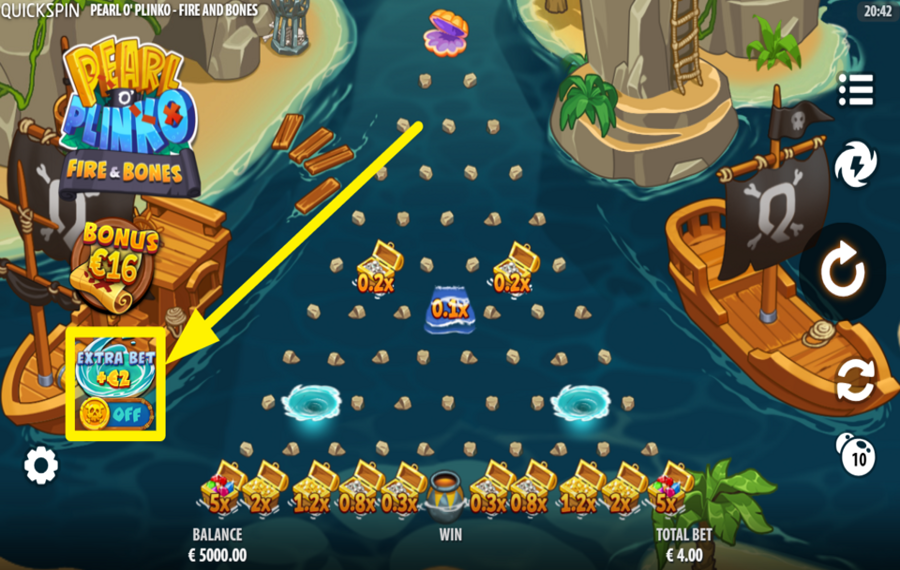
Press the “Extra Bet” toggle located below the bonus panel on the left side to activate this feature. When enabled, it adds a bonus pocket to the playfield and increases your chances of triggering a bonus game during regular play.
Explore the Pearl O' Plinko Collection by Quickspin
GameYearRTPFeatures
 Pearl O Plinko Fire and Bones
 Pearl o Plinko Mermaid Cove
Pearl O Plinko Fire and Bones Ratings & Reviews
Our community rated Pearl O Plinko Fire and Bones as Average with a score of 3.9 out of 5 based on 18 votes.




uztrewertzu![account-cancel]() Suspended
Suspended
 Suspended

Televizorius![account-cancel]() Suspended
Suspended
Suspended


Bingo7408Level 9Bulgaria




Ajay1990![account-cancel]() Suspended
Suspended
SuspendeddjanikiroLevel 7Serbia
KosobrinLevel 6


spuroLevel 3Afghanistan
Jmorooo![account-cancel]() Suspended
Suspended
SuspendedJmorLevel 4
Pavle29![account-cancel]() Suspended
Suspended
Suspended
HanseaticosLevel 5
MarekosLevel 8
Tomasek1![account-cancel]() Suspended
Suspended
Suspended



LuckyPol8Level 19Italy



Hutch12Level 12
Show 3 more
Rate and Review Pearl O Plinko Fire and Bones
When writing a Game Review, remember to share your personal experience in detail - whether it's positive or negative. For more tips on writing game reviews, check out our dedicated Help Page.
How to Write a Game ReviewPearl O Plinko Fire and Bones Q&As
Got questions about Pearl O Plinko Fire and Bones?
Ask a QuestionCompare Pearl O Plinko Fire and Bones to Other Games
+![ELA Games Plinko]()

ELA Games Plinko
RTP: 98%
+![Plinko of the Sun God]()

Plinko of the Sun God
RTP: 99%
+![TrueLab Plinko]()

TrueLab Plinko
RTP: 99%
+![Pearl o Plinko Mermaid Cove]()

Pearl o Plinko Mermaid Cove
RTP: 98.37%
+![Mummy Plinko]()

Mummy Plinko
RTP: 96%
+![Dream Drop Clinko]()

Dream Drop Clinko
RTP: 97%
+![Flappy Bet Plinko]()

Flappy Bet Plinko
RTP: 97%
+![Thunder Plinko 2]()

Thunder Plinko 2
RTP: 96%
RatingSoftwareYearRTP



Show more![arrow_down]()


Other Games by Quickspin
All 136 Quickspin Games









Mihai Enculescu
Senior Game Expert
- Over 2 years of experience in the iGaming industry.
- Uploaded & maintained data for 3,000+ casino games.
- Strong grasp of casino game mechanics, especially slots.
- Reviewed and fact-checked over 3,500+ casino games.

