


 Casinos
 Bonuses




 3 min
3 min

Here you can learn how to open a Paysafe account, step by step. An account is needed if you wish to keep a track of your transactions and therefore manage your spendings and balance directly from your browser or app.
Creating a Paysafecard account does not require any bank account or credit card.
Continue by watching our tutorial video or scroll down in order to read the transcript below.
1. Go to Paysafecard’s Official Website
First, access Paysafecard’s official website at www.paysafecard.com.

2. Go to the Registration Form
Choose to create an account by pressing the orange “Sign Up” button.

3. Select your Country
Provide your country, and click “Continue”.
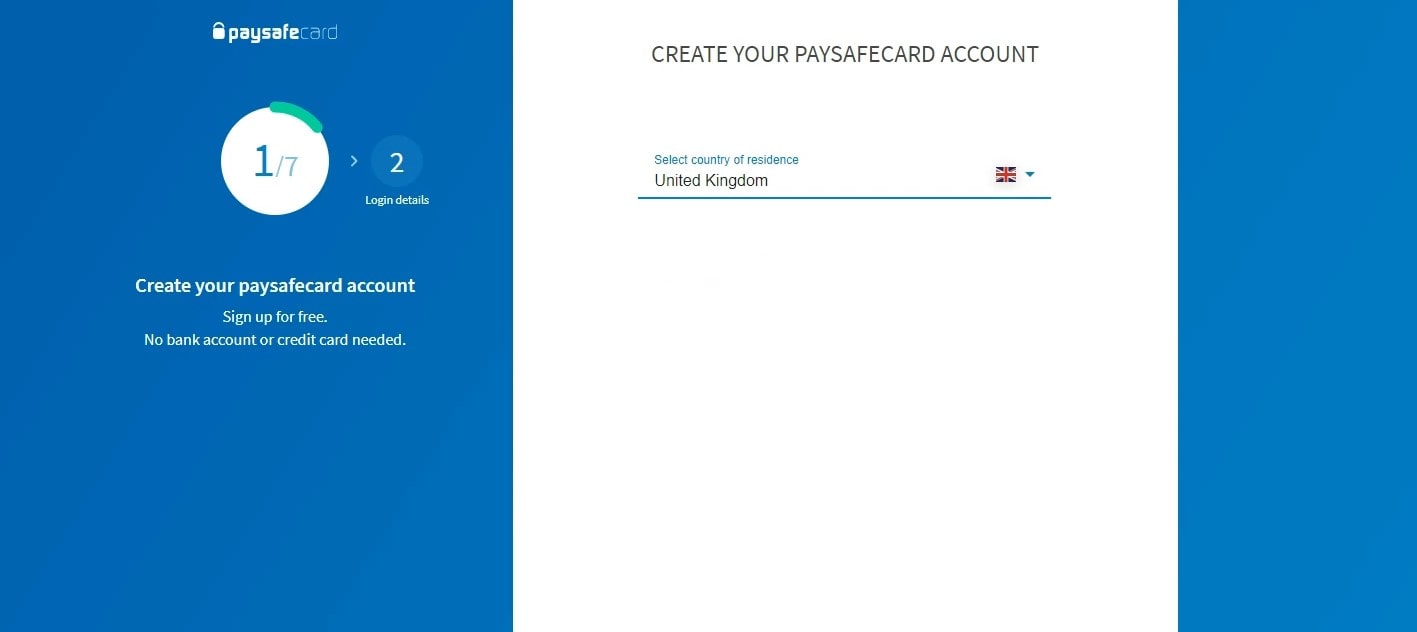
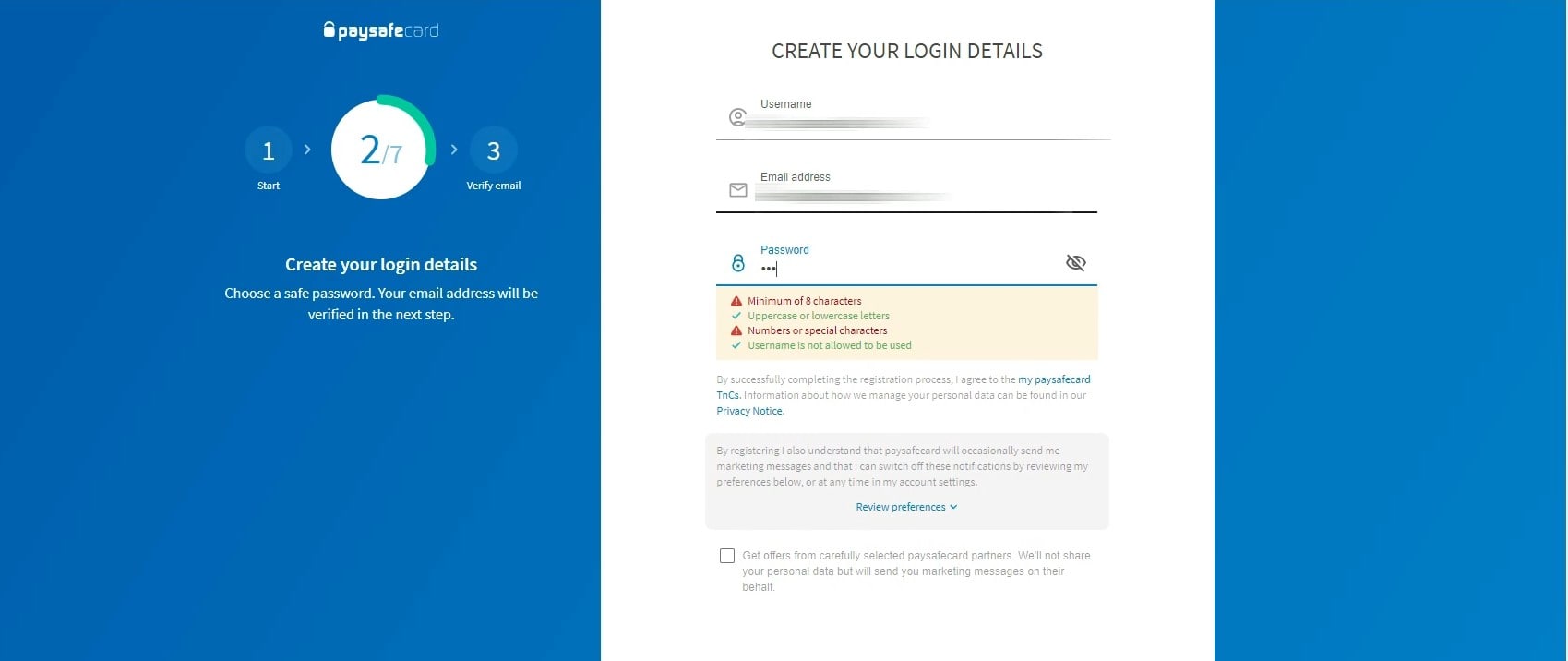
4. Choose the Username & Password
Create a username and password, then enter your email address. The password needs to have 8 characters, lower and uppercase letters, and at least one special symbol.
Click “Continue” to proceed.
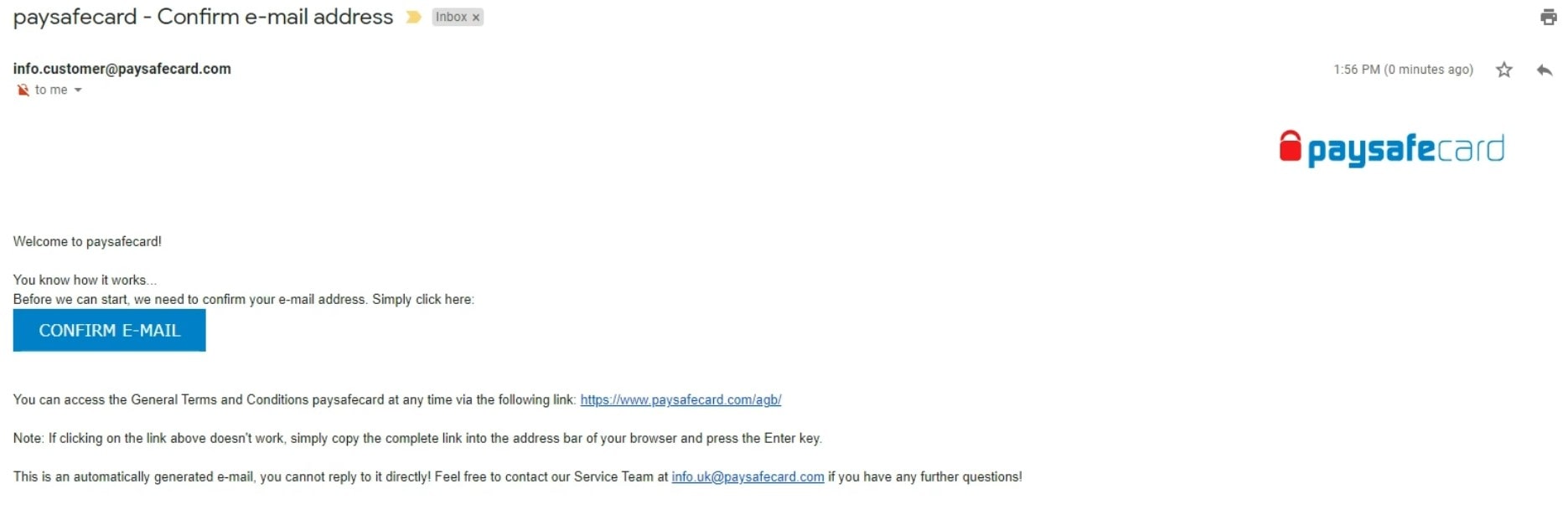
5. Verify Your Email Address
Check your email inbox and open the email you have received from Paysafecard. Click the button in the message in order to continue the registration process.
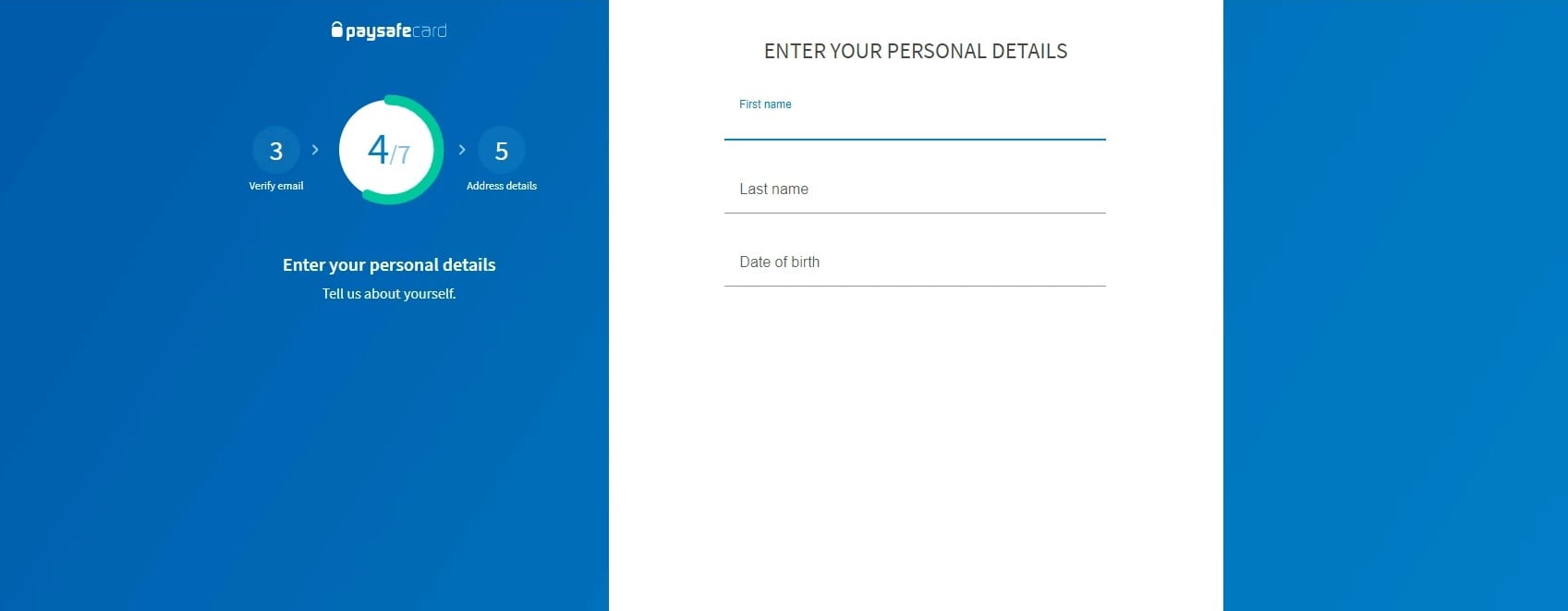
6. Enter Your Personal Information
Fill in the fields for first name, last name, and date of birth.
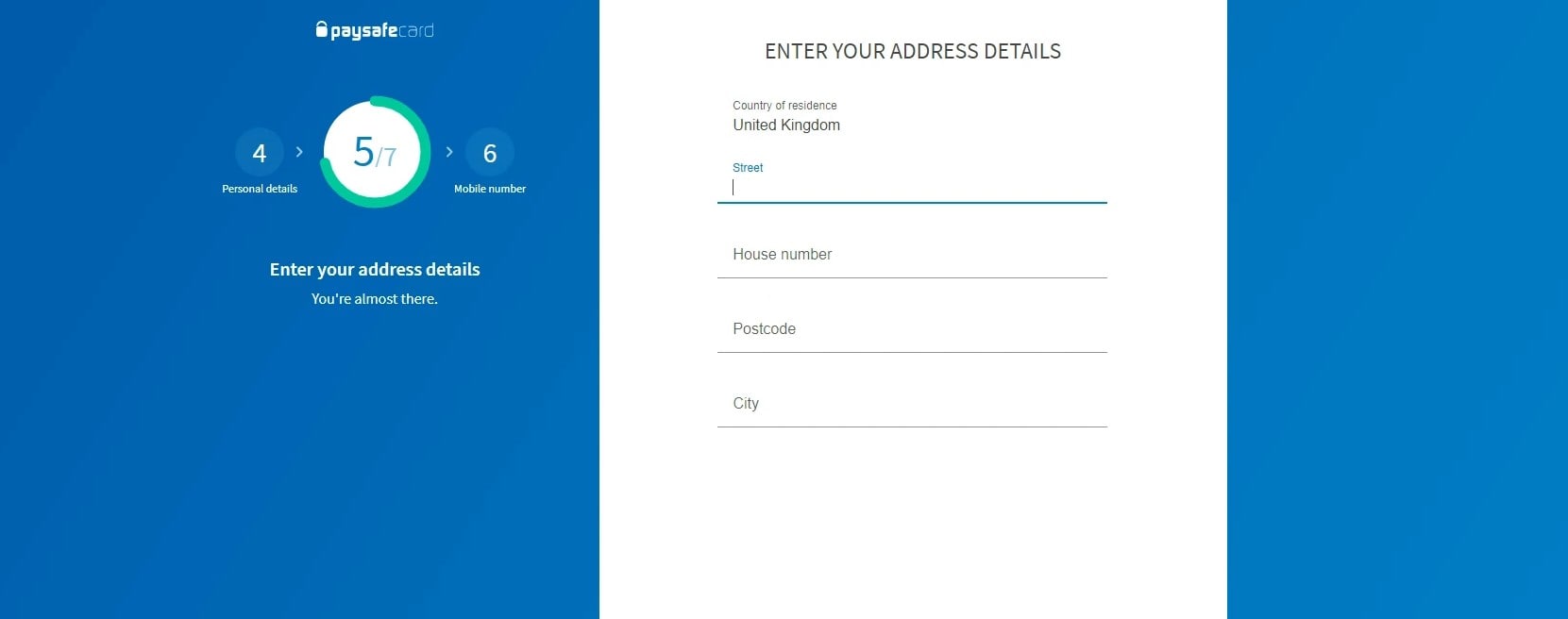
7. Enter Your Address Information
This step requires entering your street, house number, postcode, and city.
The information is encrypted, so that no third party can get your information.
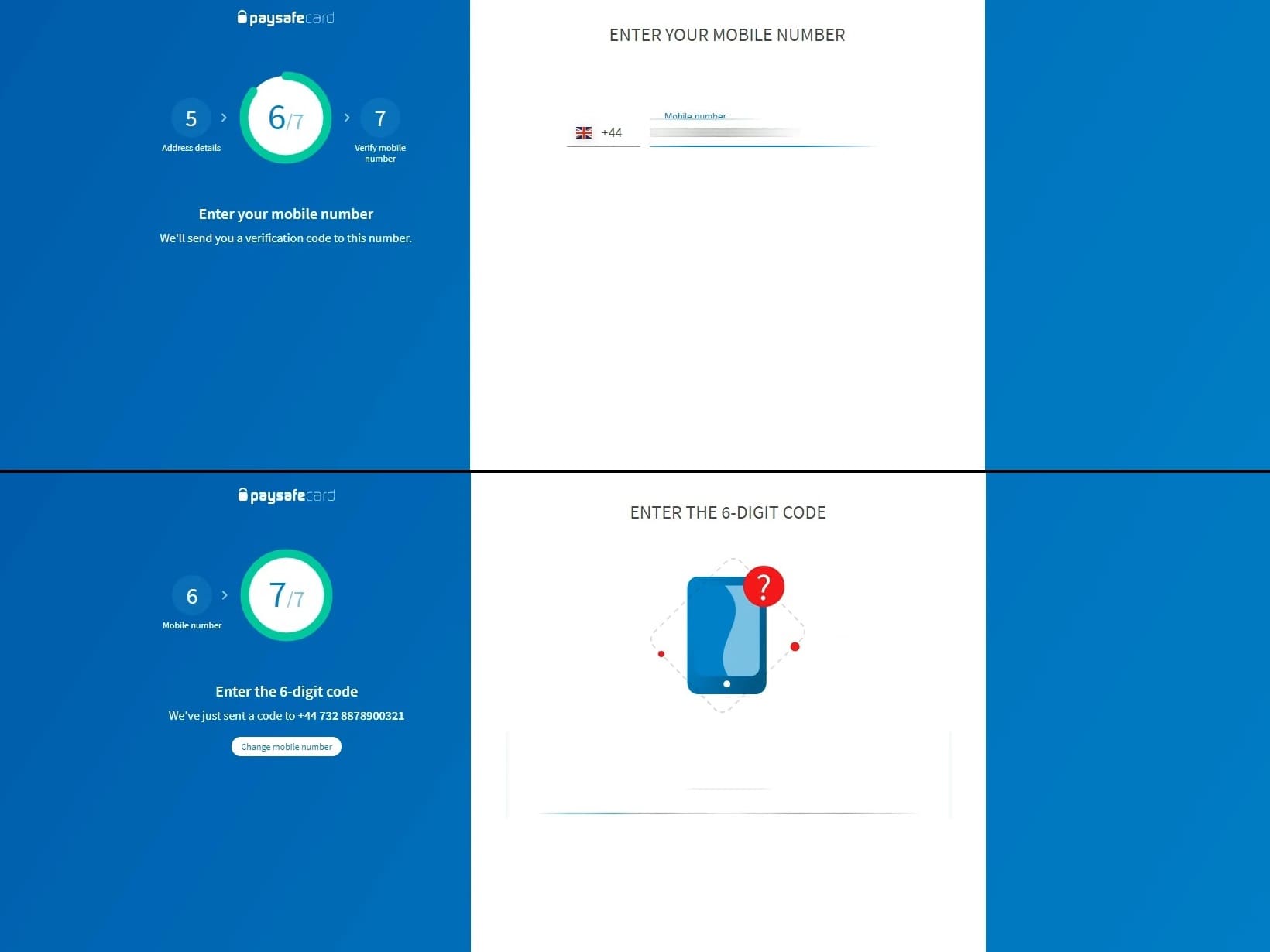
8. SMS Verification
Enter your phone number. You will then be required to enter the code you have received via SMS.
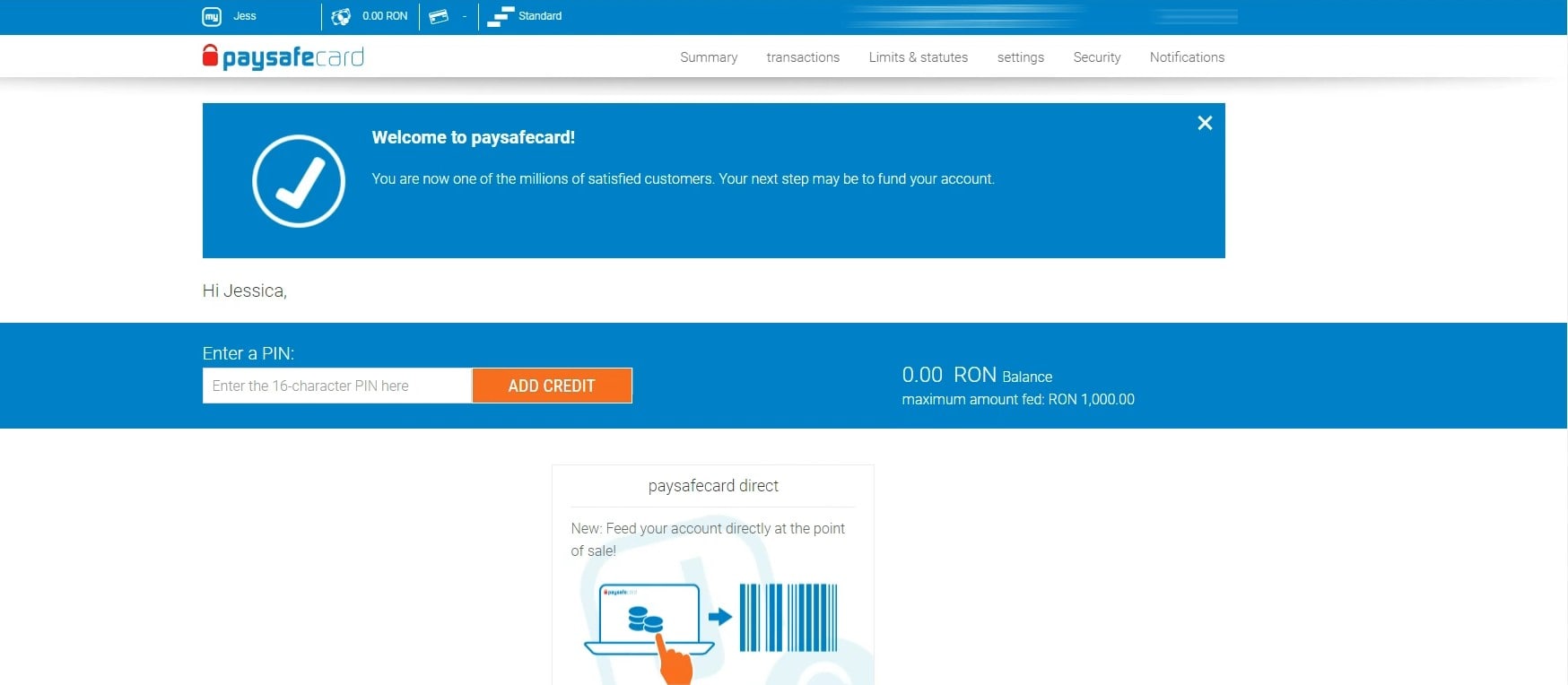
9. Paysafecard Dashboard
Now all you have to do is explore your options. Here you can manage your prepaid codes, see nearby Paysafe locations, enter new PINs, view your balance and transactions.
We hope this guide has helped you get the basics of Paysafecard and its account feature. Don’t forget to see our list of Paysafecard supported online casinos, and also take a look at our Paysafecard tutorial videos on Youtube!
Good luck!


 Thank you for voting


comments
Add new comment